
iPhone & iPad · Change or allow something
Turn a rule off (partner approval)
Ask your partner to approve a change when your Safe Wall needs their OK.
Pick up where you left off?
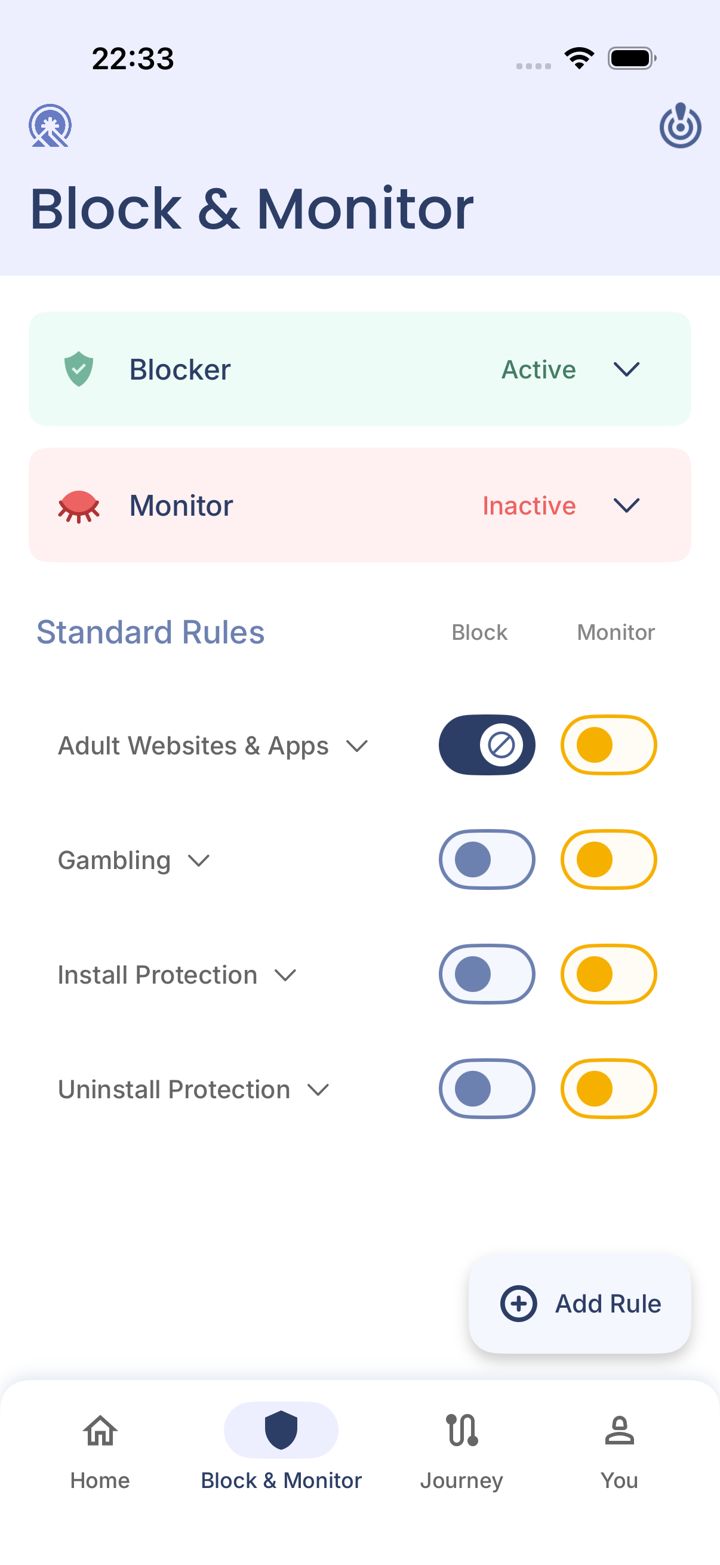
Step 1 of 5
Tap the switch you want off
On Block & Monitor, tap the switch you want to change.
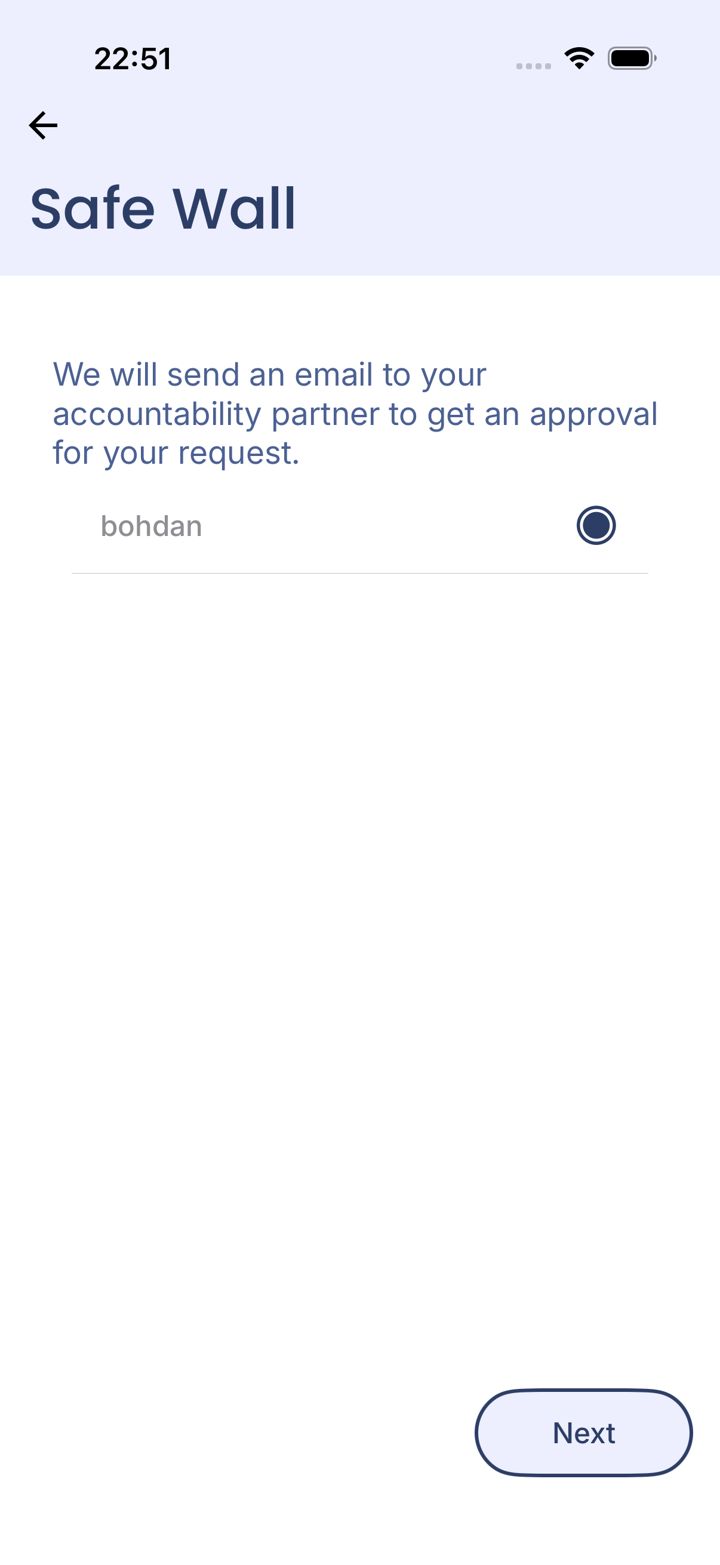
Step 2 of 5
Choose the partner to ask
Select which partner should approve it, then tap Next.
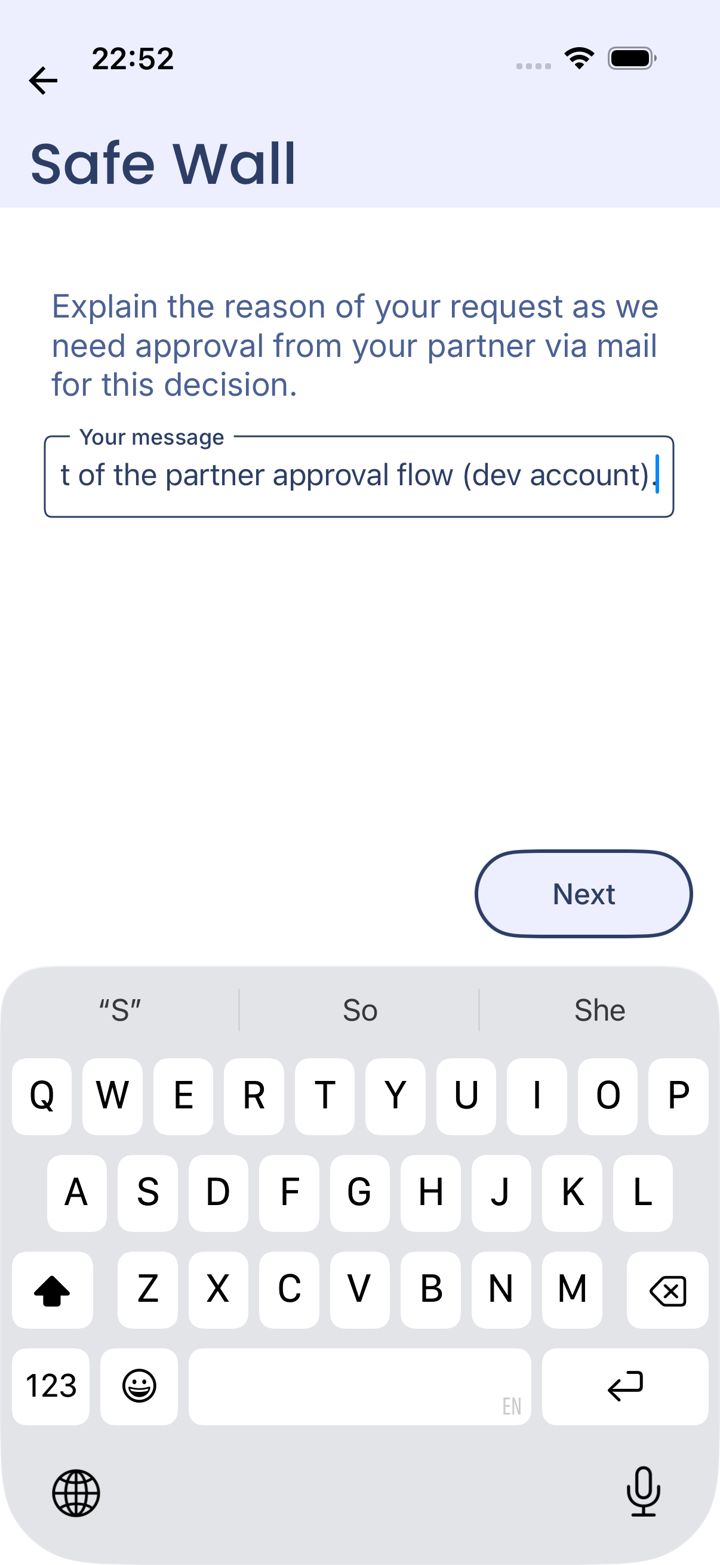
Step 3 of 5
Explain why
Write a short reason. Your partner sees it in the email. Tap Next.
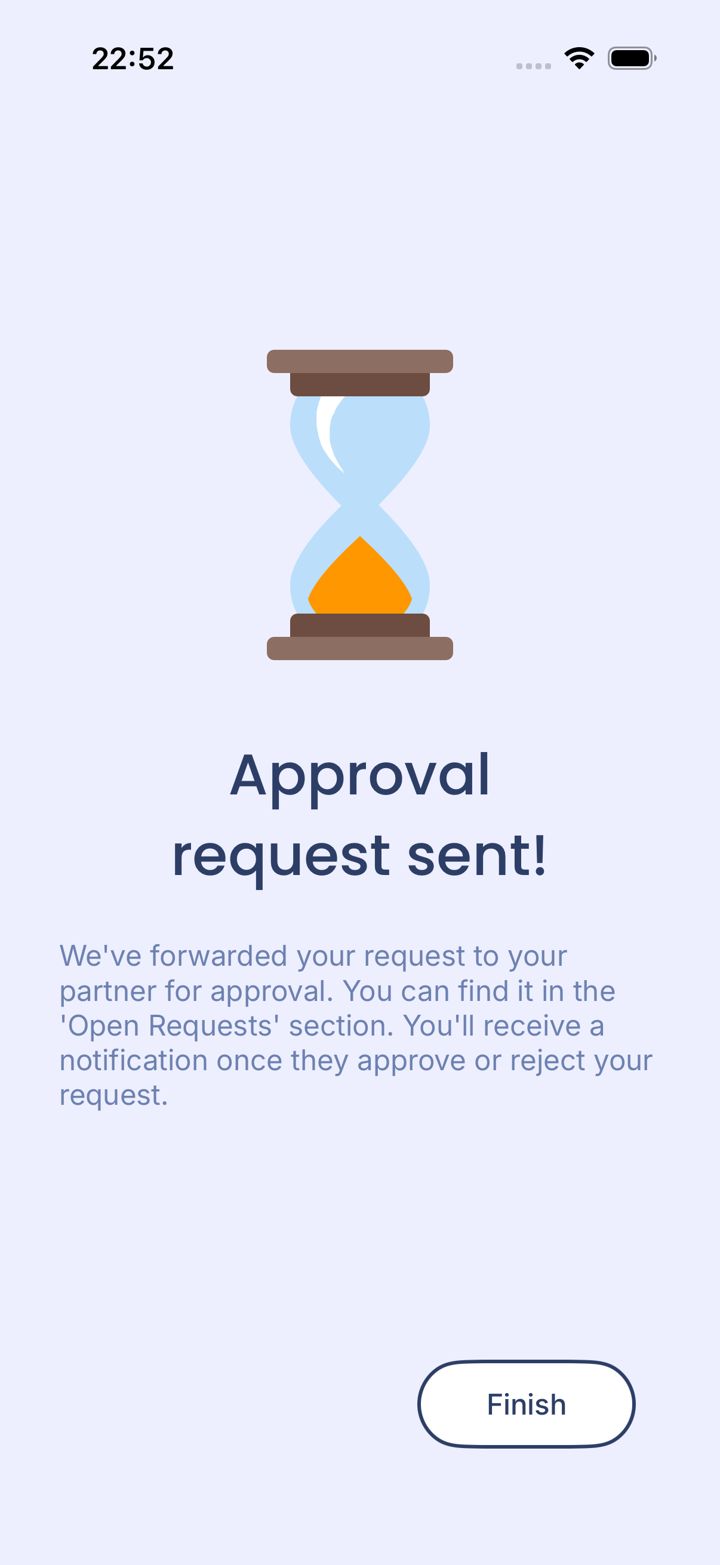
Step 4 of 5
Request sent
We've emailed your partner. Tap Finish.
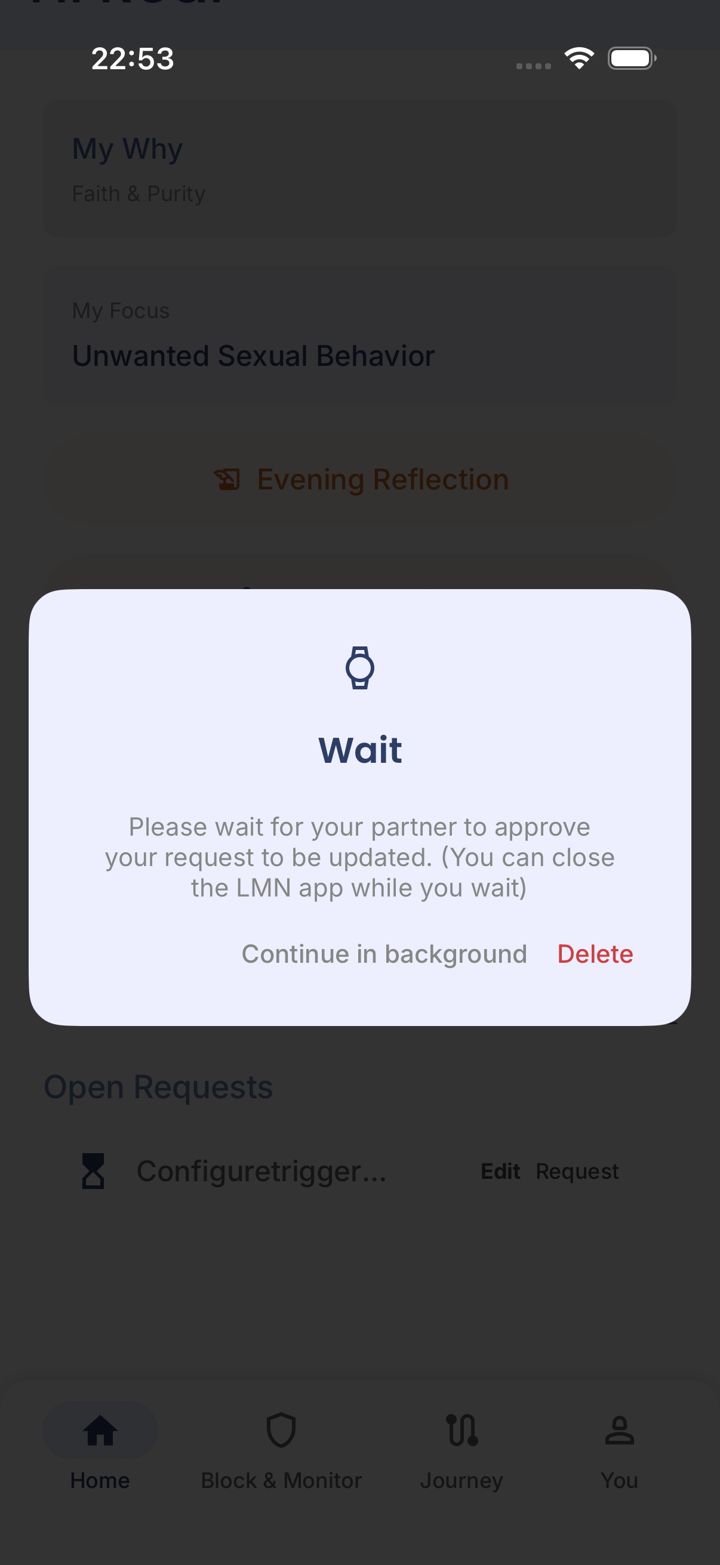
Step 5 of 5
Wait for their answer
You'll get a notification when they approve or decline. Tap Continue in background, or Delete to cancel the request.
Good to know
Can't reach your partner and need the change? Email jason@leadmenot.org and Jason can approve it.
Pick an option above
Did this work?
Great. Here's what people usually do next:
Sorry about that. Email Jason and we'll include which guide and step you were on, or ask our assistant.