
All screens
iPhone & iPad · App screen
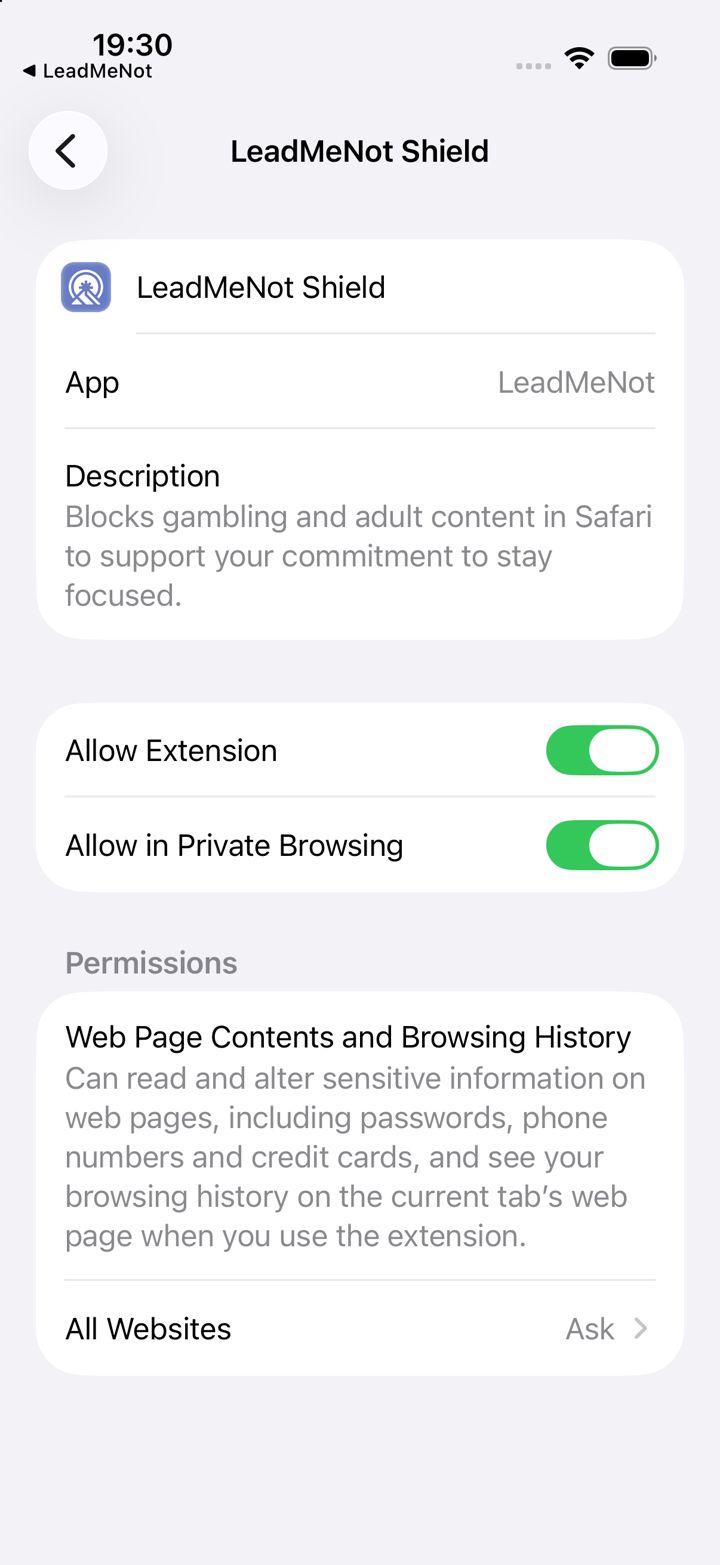
LeadMeNot Shield (iPhone Settings)
Our Safari Extension inside iPhone Settings › Apps › Safari › Extensions. All three need to be on.
What's on this screen
- Allow ExtensionTurns the extension on.
- Allow in Private BrowsingProtects private tabs too.
- All WebsitesMust be Allow. Ask or Deny means it only works on one site, or not at all.